
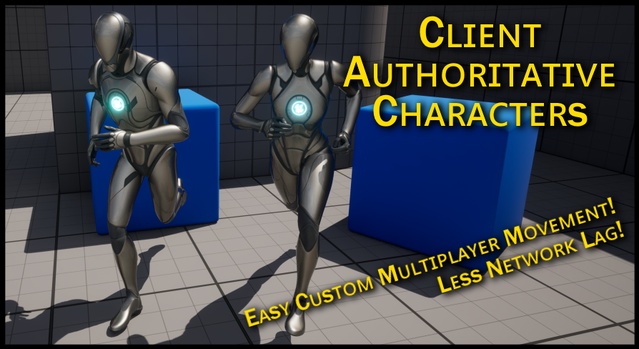
Client Authoritative Networked Characters is a code plugin for Unreal Engine that gives each client full authority over its own character's movement, instead of the server. It supports Unreal Engine 4.27 through 5.8.
Client Authoritative Networked Characters is a multiplayer plugin by Anton Hesselbom that reverses Unreal's default networking model for player characters. Where the built-in system gives the server authority over movement, this plugin lets each client control its own character's movement, which reduces the visible corrections players see on their own screen. It is aimed at cooperative, social and other non-competitive multiplayer games where responsive movement matters more than strict server validation. It is distributed as a code plugin and works with Unreal Engine versions 4.27 through 5.8.
Specifications
| Seller | Anton Hesselbom |
|---|---|
| Type | Plugin |
| Category | Network & Multiplayer |
| Engines | Unreal Engine 4.27–5.8 |
| Distribution | Code plugin |
| Formats | Unreal Engine |
| File types | .uasset, .uproject, .uplugin |
| Unreal target platforms | Android, Linux, Mac, Nintendo Switch, Oculus, PS4, SteamVR / HTC Vive, Windows, Xbox One, iOS |
| C++ classes | 5 |
| Network replicated | Yes |
| Licenses | Personal, Professional |
| Published | 2026-06-18 |
Key features
- Makes character movement replication client authoritative
- Drop-in replacement for Character and PlayerController classes
- Replicates position and velocity for simpler custom movement modes
- Replicates crouching when enabled on the character
- Includes 5 C++ classes
- Supports Unreal Engine 4.27 through 5.8
- Compatible with root motion montages and root motion sources per patch notes
Client-Side Movement Replication for Unreal Engine Multiplayer
The plugin makes character movement replication client authoritative. Each client owns the position and velocity of its own character, and the server receives them rather than simulating and correcting them. According to the creator, this removes the jarring server corrections that normally appear as teleporting when latency or desync occurs. Corrections only affect how other players see the character, which can be hidden with network smoothing. The plugin works as a drop-in replacement for the standard Character and PlayerController classes, so existing characters can be switched over without rebuilding the movement setup.
The package contains 5 C++ classes and replicates crouching when the character has it enabled.
Custom Movement Modes Without Replication Work
Standard Unreal movement requires the server to reproduce the client's movement exactly, which means adding replicated data and handling rewind and replay. With this plugin, only position and velocity are replicated, so custom MovementComponents or direct changes to a character's location and velocity in Blueprints can be built much like single-player movement. The trade-off is that the server no longer validates movement, which makes teleport-style cheating easier. The creator notes this matters mainly for competitive games, where the plugin is not recommended.
Use cases
- Cooperative multiplayer games
- Social and casual online games
- Custom movement mode prototypes
- Non-competitive multiplayer shooters
- Co-op survival projects
Client Authoritative Networked Characters FAQ
Which Unreal Engine versions does Client Authoritative Networked Characters support?
The plugin supports Unreal Engine 4.27, 5.0, 5.1, 5.2, 5.3, 5.4, 5.5, 5.6, 5.7 and 5.8.
What is included in the plugin?
The plugin is distributed as a code plugin with 5 C++ classes. It replaces the standard Character and PlayerController classes.
Can I use this plugin for a competitive game?
The creator states that the plugin is only a real concern for truly competitive games, where it is probably not suitable because the server is no longer authoritative over movement.
Which license types are available?
The plugin is offered under Personal and Professional license types.